Two jobs, one tip tracker
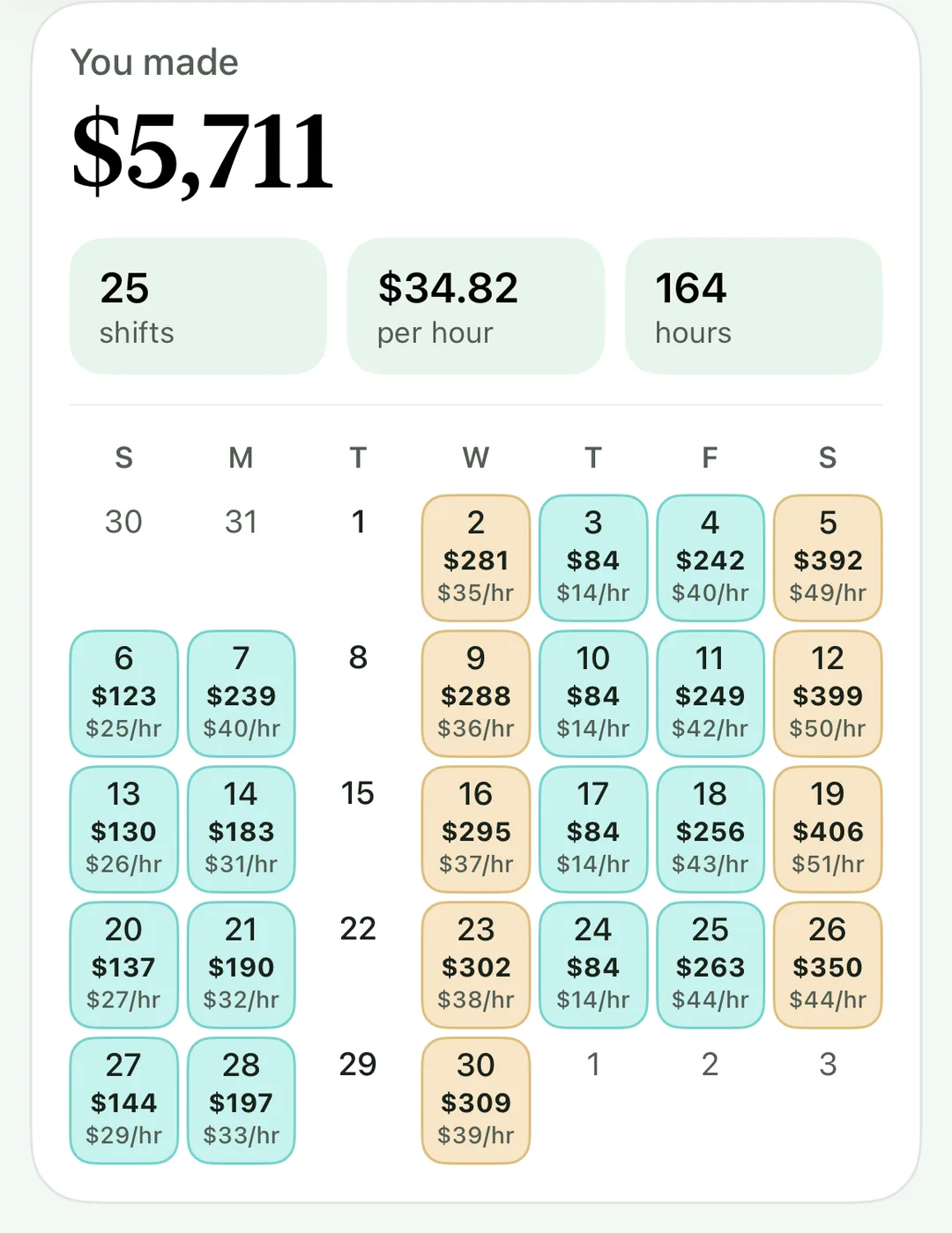
Plenty of servers work two restaurants, or serve at one and bartend at another. Tip’d was built for that: every job you add gets its own color, its own positions and its own hourly pay, and the Month screen, Trends and the export show each job on its own.
Log the job and the position
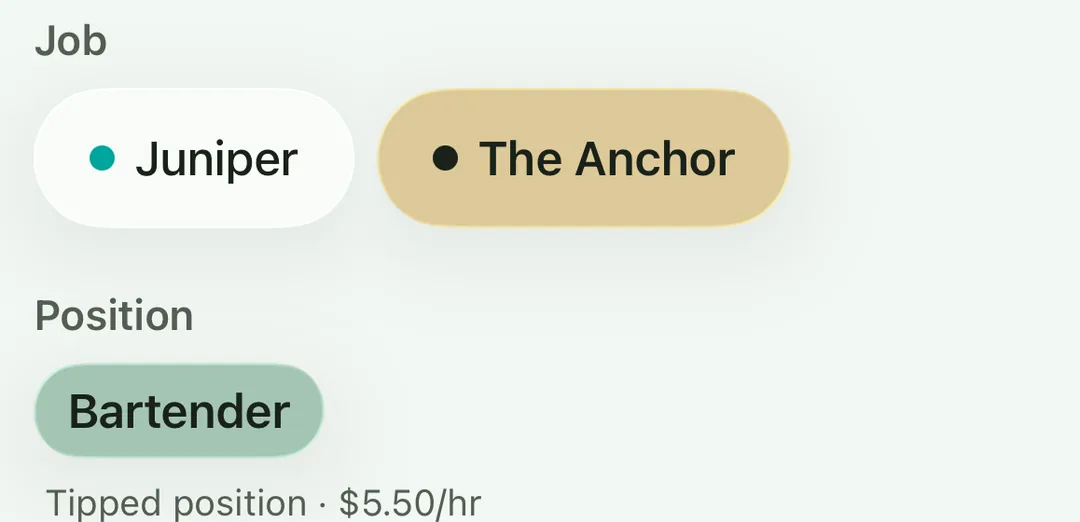
In Settings you give each job a name and a color, then its positions (server, host, bartender, food runner) and the hourly wage for each. When you log a shift you tap the job and the position, and Tip’d fills in the wage. A raise later doesn't rewrite your history: each shift keeps the wage it was worked at.
See the month by job
The Week screen's day-by-day chart is colored by job too, so you can see at a glance which place paid for the week.
Compare jobs in Trends
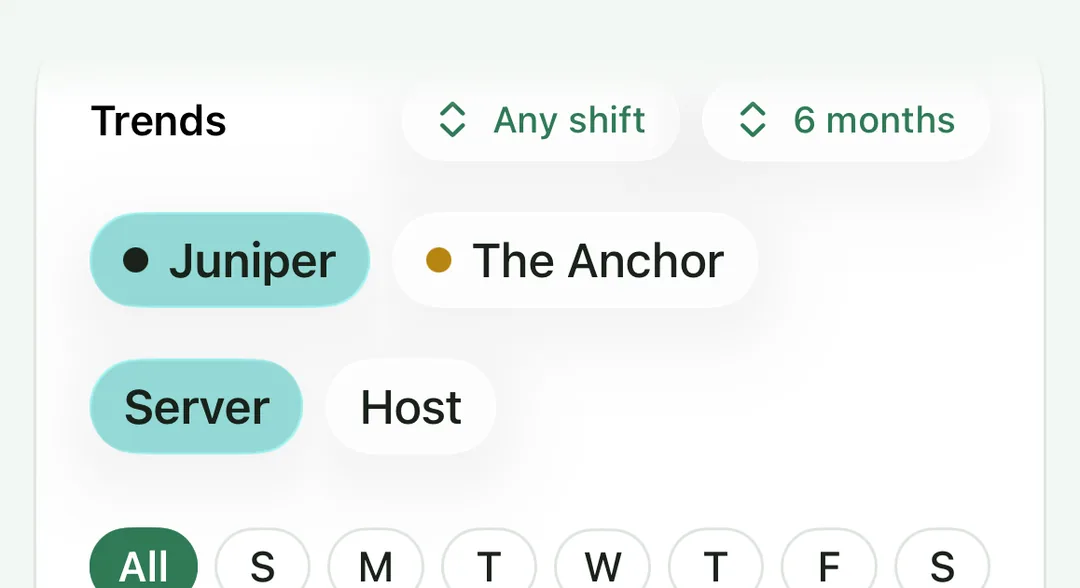
Trends shows what you average a shift and an hour for whatever you've selected: one job, one position, Friday dinners only. Stats shows your hourly pay by position. The year's export totals each job on its own sheet and lists the job and position on every shift, so you can sort it any way you like.
Questions people ask
Do my jobs have to pay the same way?
No. One job can be a tipped position at $2.13 an hour and another a host shift at full minimum wage. Each position has its own wage, and a shift with no tips still counts its hourly pay.
My two jobs have different pay weeks. Can I change the week?
You can choose the day your week starts on in Settings. It's one setting for the whole app, so pick the one that matters most to you; the Month and Year totals don't change with it, and the Month calendar just starts each row on that day.
Can I see just one job?
Yes. Trends shows one job at a time, the Month screen breaks the month down by job, and the year's export totals each job.
Does it cost anything?
No. Jobs, positions, shifts, stats, trends and goals are free, with no ads and no account. Read more about Tip’d.